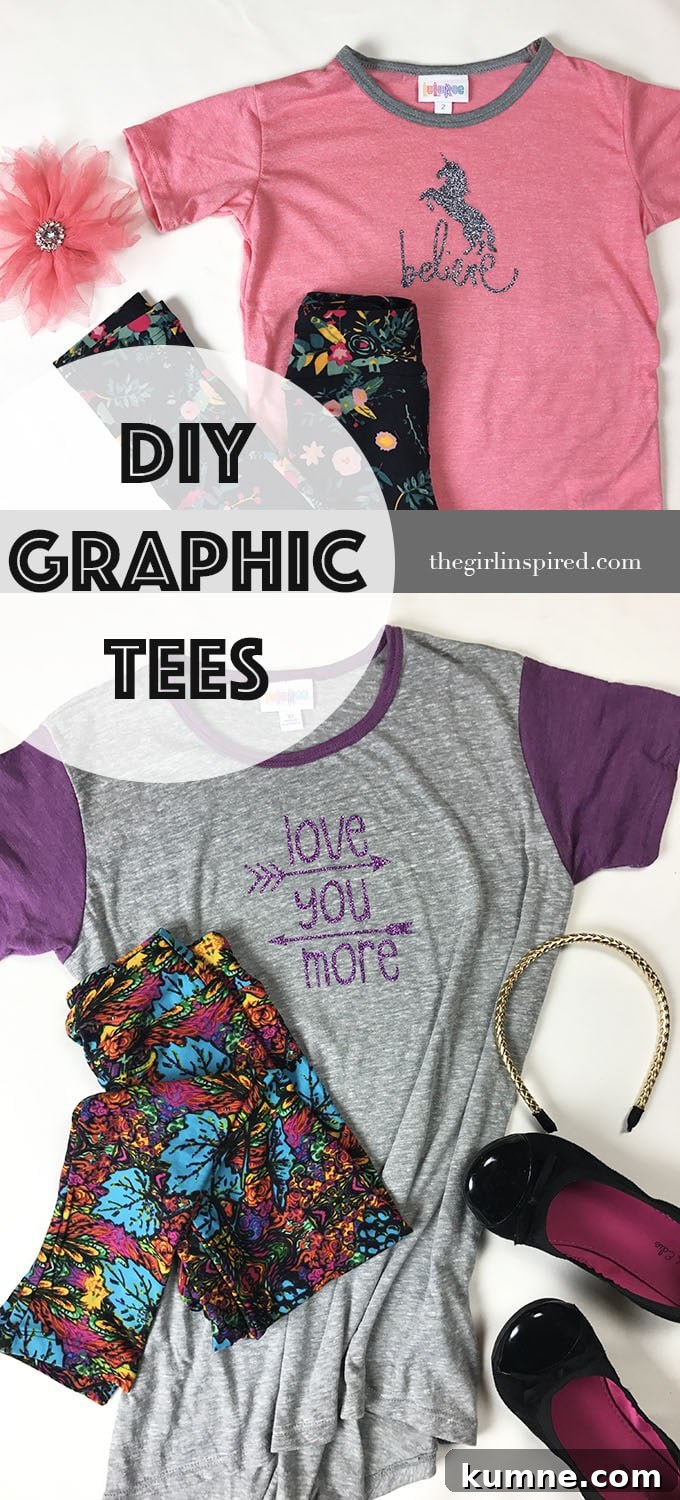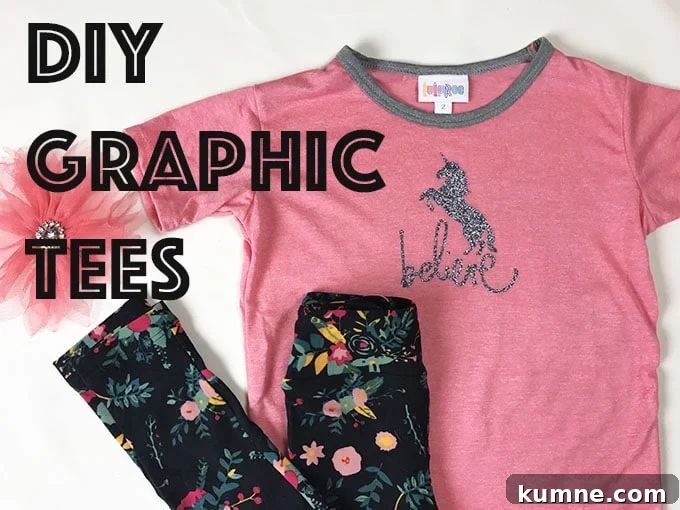
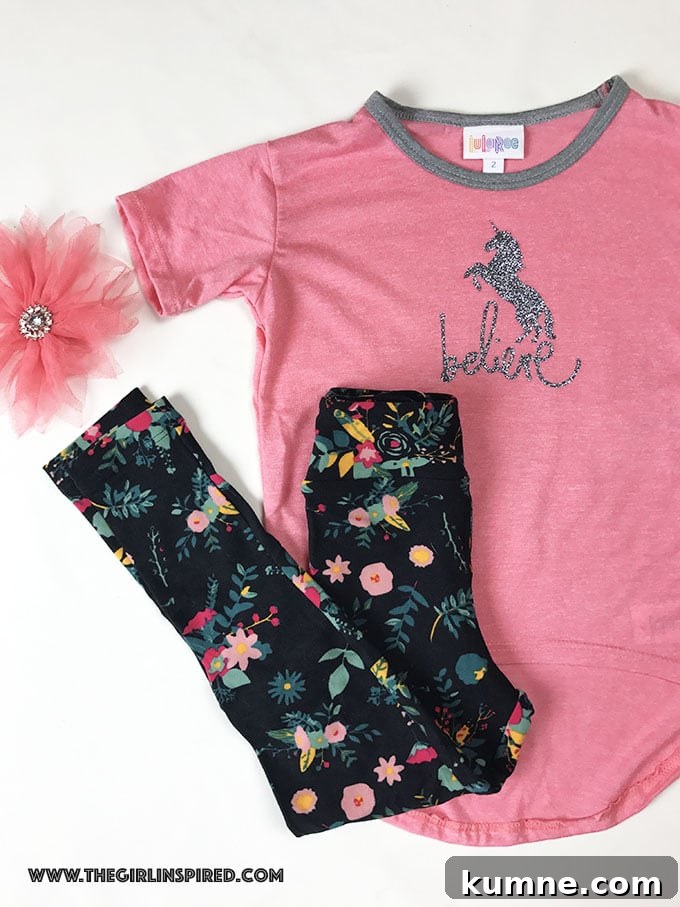
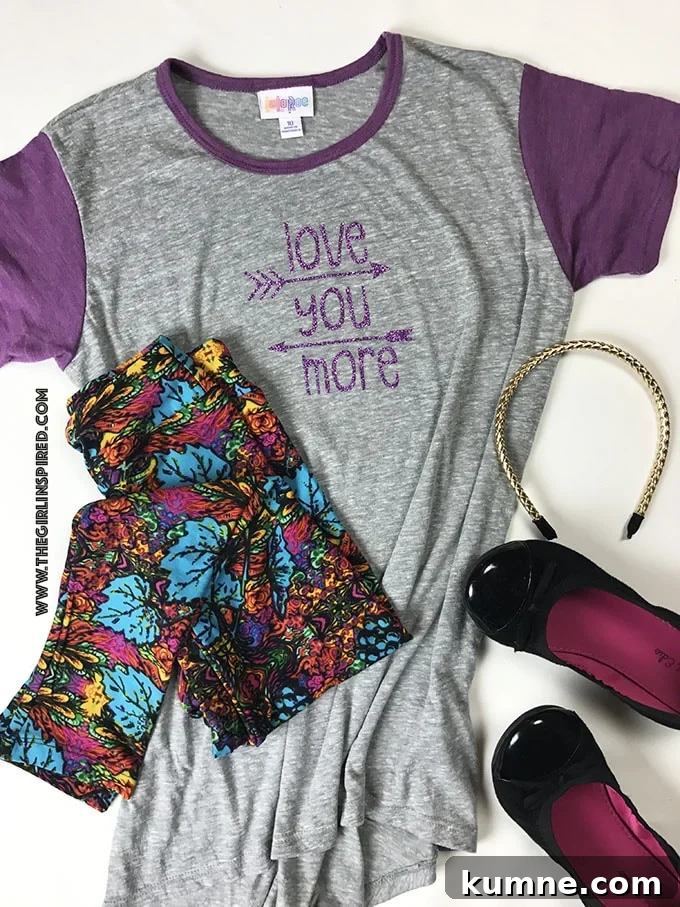
Looking for a quick, fun craft that delivers big style? Try making DIY graphic tees with a cutting machine like a Cricut. It’s an easy way to transform plain shirts into personalized, eye-catching pieces. With a few supplies and under an hour, you can create several custom tees that look professionally made.
Start by choosing your designs in the Design Space or your machine’s software. Resize each image to suit the shirt, then mirror the design before cutting. Send the mirrored image to the cutter and let the machine precisely cut the design from iron-on material. After cutting, carefully weed away the excess vinyl so only the design remains on the carrier sheet.
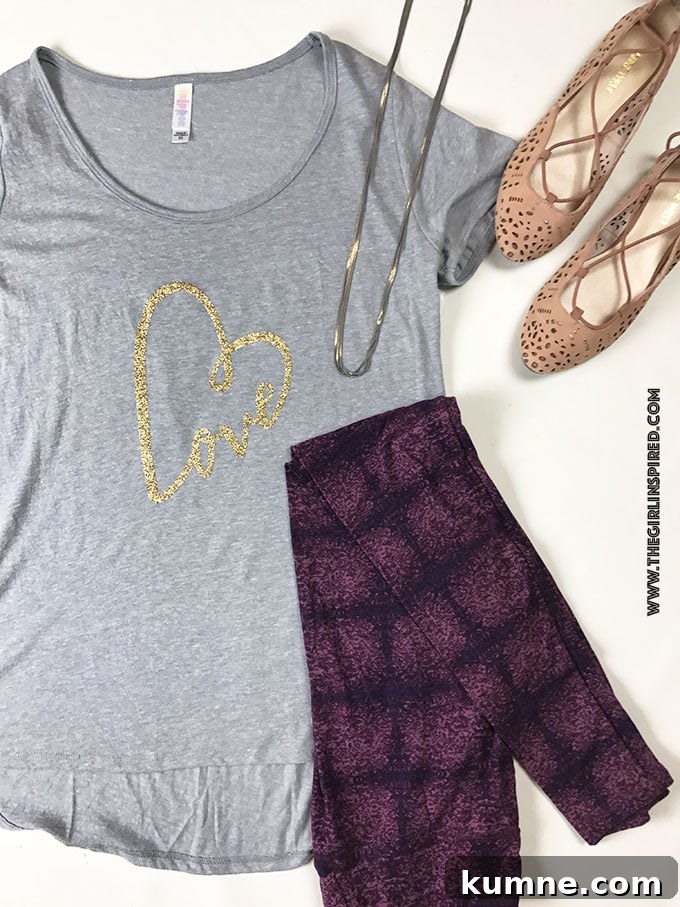
Prepare the tee by ironing it flat and removing any wrinkles. Position the weeded design on the shirt with the carrier sheet facing up. Use a press cloth and an iron or heat press, following the iron-on manufacturer’s instructions for temperature and time—typically around 25–30 seconds. For best adhesion, repeat the heat on the inside of the garment, then let the shirt cool completely before peeling off the carrier. If needed, give the design a final quick press to ensure it’s securely bonded.
These shirts are durable: when applied correctly, the designs hold up through washing and drying. Use a gentle cycle and avoid high heat when possible to extend the life of the transfer.
Want to see the process in action? Watch the short tutorial embedded below to follow each step visually and pick up helpful tips.
Give it a try—pick your favorite designs, gather some iron-on material, and make a stack of custom tees. It’s simple, fast, and a great way to refresh basic wardrobe pieces or create unique gifts.